Frame the court
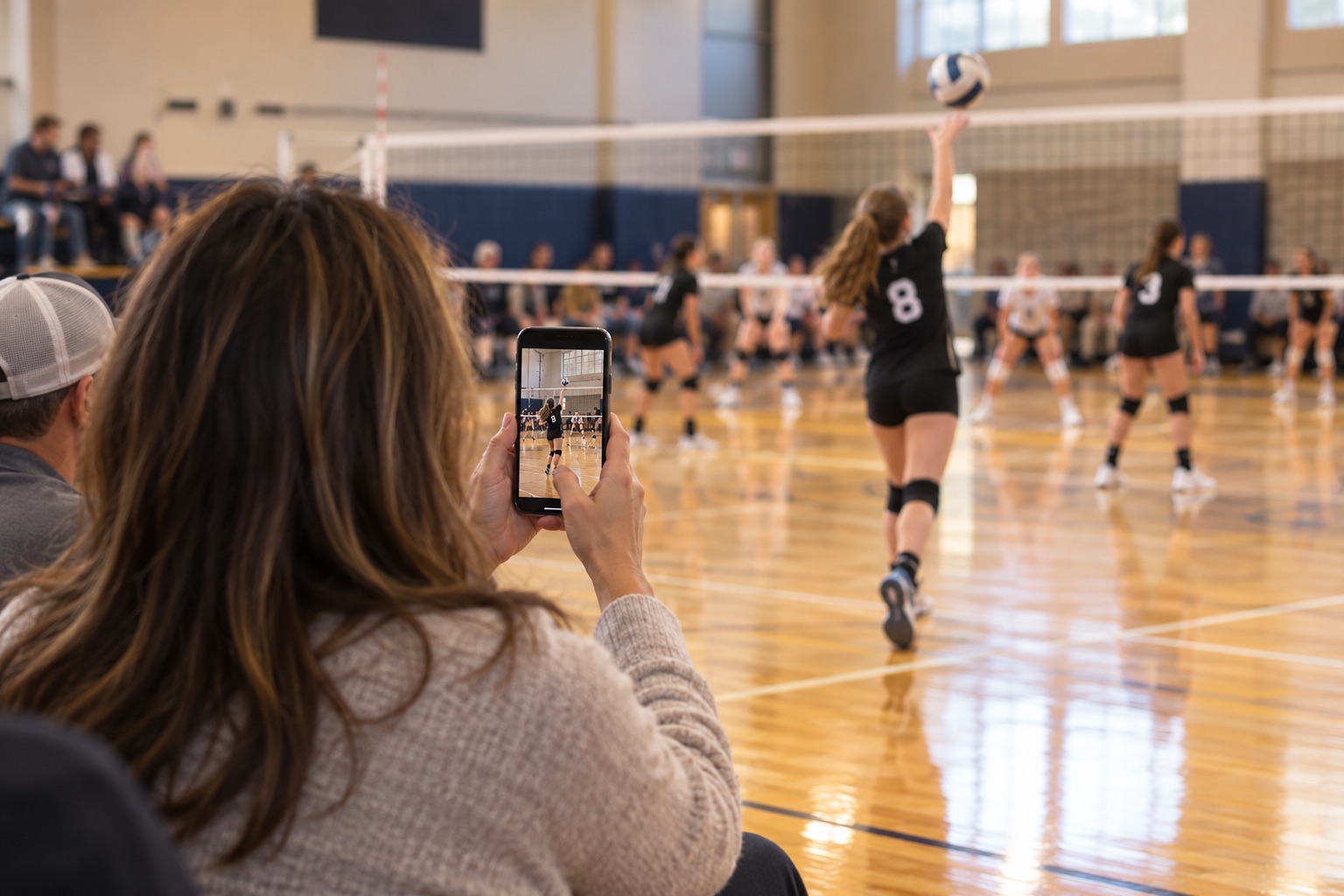
Keep the server, net, and likely rally area in view while the camera stays ready.
 Sideline Save
Volleyball highlight videos for parents
Keep Sideline Save open with the court in frame. When a rally gets going, tap Record. The clip can include the serve and earlier action, then continues for a few seconds after you stop.
Free to try with 15 saved videos · iPhone, iOS 17+ · No account or ads
One rally, three actions
Keep the server, net, and likely rally area in view while the camera stays ready.
The video starts with recent action already held by Sideline Save, including the serve.
The Volleyball preset adds five seconds after stop, so the clip can include the immediate reaction.
The camera-roll problem
With the built-in Camera app, you have to start recording before the serve and keep filming through every point just in case.
Sideline Save lets you follow the match with the camera ready, then save the rally once the action unfolds. The selected recent-action window can include the serve, and volleyball post-roll can catch the reaction after the point.
Common questions
No. While the app is open, it keeps only the previous 5, 10, or 20 seconds ready on your iPhone. Tap Record to save the rally, then tap again to stop.
The Volleyball preset adds five seconds after you tap Stop, so the clip can include the immediate celebration or team reaction. You can adjust post-roll in the app.
The Volleyball preset starts with 10 seconds of recent action. You can choose 5, 10, or 20 seconds for the rolling window.
Sideline Save is free to download and try with up to 15 successfully saved videos. Sideline Save Pro unlocks unlimited saves through an annual subscription; the current price is shown in the App Store and in the app before purchase.
Sideline Save saves finished videos locally to your Photos library and organizes them in its Saved Videos view. It does not upload your sports footage to a Sideline Save account.
Free to try with 15 saved videos on iPhone. Sideline Save Pro unlocks unlimited saves.